In today’s digital world, carrying physical educational certificates is no longer necessary. The Government of India has made it easy for students to store and access their academic documents online through DigiLocker. Whether you need your Class 10 or 12 marksheet, degree certificate, diploma, or other educational records, DigiLocker allows you to download them securely in just a few minutes.
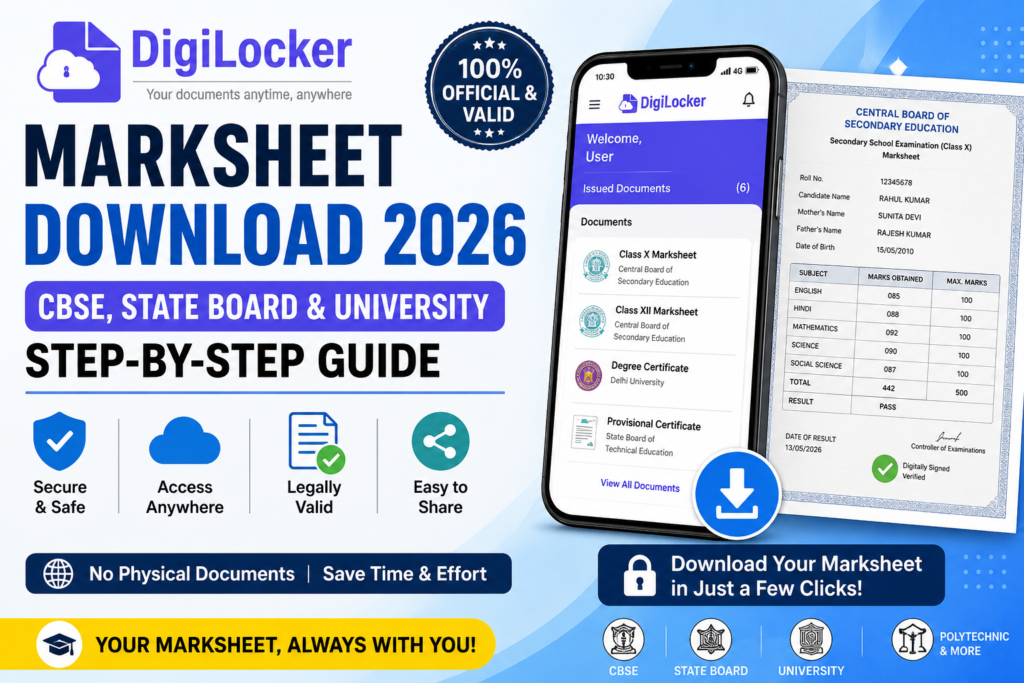
In this guide, you’ll learn how to download your marksheet from DigiLocker in 2026, which documents are available, eligibility, benefits, and answers to common questions.
What is DigiLocker?
DigiLocker is a secure cloud-based digital document wallet launched by the Ministry of Electronics and Information Technology (MeitY), Government of India. It enables citizens to store, access, verify, and share official documents electronically.
Educational institutions, examination boards, and universities issue digitally signed certificates directly to DigiLocker, making them legally valid.
Benefits of DigiLocker
- Free for all Indian citizens
- Secure cloud storage
- Access documents anytime
- No need to carry original certificates
- Legally valid digital documents
- Easy sharing with employers and universities
- Accepted by many government departments
Documents Available on DigiLocker
You can download various educational and government documents, including:
- Class 10 Marksheet
- Class 12 Marksheet
- CBSE Certificates
- State Board Marksheets
- University Degree Certificates
- Diploma Certificates
- Polytechnic Certificates
- ITI Certificates
- Driving Licence
- Vehicle Registration Certificate
- PAN Card
- Aadhaar (linked access)
- Birth Certificate (where supported)
Eligibility
You can use DigiLocker if you:
- Are an Indian citizen
- Have an Aadhaar number or mobile number
- Have an active mobile number for OTP verification
How to Register on DigiLocker
Step 1
Visit the official DigiLocker website or install the DigiLocker app.
Step 2
Click Sign Up.
Step 3
Enter your:
- Mobile Number
- Aadhaar Number (optional but recommended)
- Date of Birth
- Email ID (optional)
Step 4
Verify the OTP.
Step 5
Create your username and password.
Your DigiLocker account is now ready.
How to Download Your Marksheet from DigiLocker (2026)
Follow these simple steps:
- Log in to your DigiLocker account.
- Go to Issued Documents.
- Click Get Documents.
- Select your education board or university.
- Enter the required details such as:
- Roll Number
- Passing Year
- Registration Number (if applicable)
- Click Get Document.
- Your digitally signed marksheet will appear.
- Download it as a PDF or save it in your DigiLocker account.
Boards and Universities Supported
Many institutions issue documents through DigiLocker, including:
- CBSE
- CISCE
- NIOS
- State Education Boards
- Technical Education Boards
- Polytechnic Boards
- ITIs
- Several Central and State Universities
Availability depends on whether your institution has integrated with DigiLocker.
Official Website
Login / Sign Up
Official DigiLocker Blog
Digital India – DigiLocker Initiative
Can You Use DigiLocker Marksheet for Jobs?
Yes. DigiLocker-issued documents are digitally signed by the issuing authority and are accepted by many:
- Government departments
- Universities
- Colleges
- Employers
- Recruitment agencies
Always check the specific document requirements of the organization you are applying to.
Common Issues and Solutions
Marksheet not found
Ensure your roll number and passing year are correct. Your institution may not yet have uploaded the document.
OTP not received
Check your mobile network, wait a few minutes, or request a new OTP.
Unable to log in
Use the “Forgot Password” option to reset your credentials.
Institution not listed
Some institutions have not yet integrated with DigiLocker. Contact your institution for assistance.
Tips for Safe Use
- Never share your OTP.
- Keep your login credentials secure.
- Enable two-factor authentication if available.
- Download documents only from the official DigiLocker website or app.
Frequently Asked Questions (FAQs)
Is DigiLocker free?
Yes, DigiLocker is completely free for Indian citizens.
Are DigiLocker marksheets valid?
Yes. Digitally signed documents issued through DigiLocker are legally valid.
Can I download old marksheets?
Yes, if your board or university has uploaded them.
Do I need Aadhaar?
You can create an account using your mobile number, but linking Aadhaar helps access more services.
Can I use DigiLocker documents for college admission?
Yes, many colleges and universities accept DigiLocker-issued documents. Verify with the institution if needed.
Is the DigiLocker app available?
Yes, it is available for both Android and iOS devices.
Conclusion
DigiLocker has simplified the way students and professionals manage important documents. Instead of worrying about lost or damaged certificates, you can securely store and access your marksheets anytime, anywhere. If your educational institution supports DigiLocker, downloading your digital marksheet takes only a few minutes and can save significant time during admissions, job applications, and document verification.
Knowtify.in provides latest government job updates, schemes information, admit cards, and exam notifications in simple and clear language
ALSO READ How to Check if Your Aadhaar or PAN Card Has Been Misused Online (Step-by-Step Guide)