In today’s digital age, Aadhaar and PAN (Permanent Account Number) have become two of the most important identity documents for every Indian citizen. Whether you’re opening a bank account, applying for a government scheme, filing income tax returns, or taking a loan, these documents are required for identity verification.
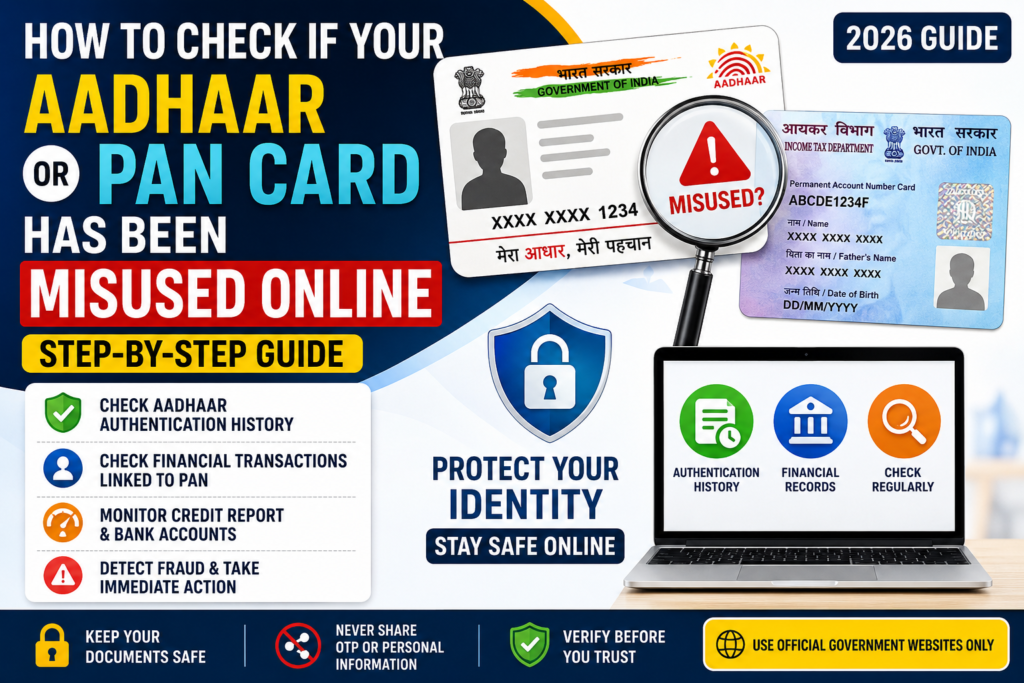
While digital services have made life easier, they have also increased the risk of identity theft and online fraud. If your Aadhaar or PAN details fall into the wrong hands, they can be misused to open fake bank accounts, apply for loans, obtain SIM cards, or carry out fraudulent financial transactions.
The good news is that you can regularly monitor your Aadhaar and PAN usage through official government platforms. This guide explains how to check for misuse, recognize warning signs, and take immediate action if you notice suspicious activity.
Why Is It Important to Check Aadhaar and PAN Misuse?
Many people assume that their identity documents are safe once they are issued. However, cybercriminals often target personal information through phishing emails, fake websites, leaked databases, or fraudulent phone calls.
Checking your Aadhaar and PAN activity regularly can help you:
- Detect unauthorized transactions
- Prevent identity theft
- Protect your bank accounts
- Avoid fraudulent loans in your name
- Safeguard your credit score
- Reduce the risk of financial loss
Spending just a few minutes every few months can save you from major problems in the future.
How to Check if Your Aadhaar Has Been Misused
The Unique Identification Authority of India (UIDAI) provides a feature called Aadhaar Authentication History, which allows you to see where and when your Aadhaar has been used.
Step 1: Visit the Official UIDAI Website
Open your browser and visit the official UIDAI portal.
Step 2: Go to Aadhaar Authentication History
Select My Aadhaar and choose Aadhaar Authentication History from the available services.
Step 3: Enter Your Aadhaar Number
Type your 12-digit Aadhaar number and the security captcha shown on the screen.
Step 4: Verify with OTP
An OTP will be sent to your registered mobile number. Enter the OTP to continue.
Step 5: Choose Date Range
Select the period for which you want to check your authentication history.
Step 6: View Authentication Records
The portal will display details of authentication requests made using your Aadhaar.
Check for:
- Unknown authentication requests
- Multiple failed attempts
- Authentication from unfamiliar organizations
- Requests made at unusual times
If you notice any activity that you do not recognize, it could indicate unauthorized use of your Aadhaar.
Lock Your Aadhaar Biometrics
If you rarely use fingerprint or iris authentication, consider locking your Aadhaar biometrics.
This prevents anyone from using your fingerprints or iris scan without your permission.
You can unlock your biometrics whenever you need to complete authentication at an authorized center.
How to Check if Your PAN Card Has Been Misused
Unlike Aadhaar, there is no dedicated “PAN misuse history” page. However, there are several ways to identify suspicious activity linked to your PAN.
1. Check Your Annual Information Statement (AIS)
The Annual Information Statement (AIS) available on the Income Tax portal provides details of financial transactions linked to your PAN.
Review the statement carefully for:
- High-value purchases
- Unknown bank accounts
- Property transactions
- Mutual fund investments
- Stock market transactions
- Large cash deposits
If you find transactions that you did not make, report them immediately.
2. Check Your Credit Report
Fraudsters sometimes use stolen PAN details to apply for loans or credit cards.
Obtain your credit report from a recognized credit bureau and verify:
- Personal loans
- Home loans
- Credit cards
- Vehicle loans
- Outstanding balances
If you notice accounts or loans that you never applied for, contact the lender and the credit bureau immediately.
3. Log in to the Income Tax Portal
After logging into your Income Tax account, verify the following:
- Registered mobile number
- Email address
- Linked bank accounts
- Filed income tax returns
- Personal details
If any information has been changed without your knowledge, update it immediately and report the issue.
Warning Signs That Your Aadhaar or PAN May Have Been Misused
Be alert if you experience any of the following:
- Receiving OTPs for services you did not request
- Calls regarding unknown loans
- Bank messages for unfamiliar transactions
- A sudden drop in your credit score
- Tax notices for unknown income
- Notifications about bank accounts you never opened
- Failed Aadhaar authentication attempts
Ignoring these signs could lead to serious financial or legal consequences.
What Should You Do If You Suspect Misuse?
If you believe your Aadhaar or PAN has been misused, act quickly.
Lock Your Aadhaar Biometrics
Prevent further unauthorized biometric authentication.
Change Your Passwords
Update passwords for:
- Income Tax account
- DigiLocker
- Banking apps
- Email account
Use strong passwords and enable two-factor authentication wherever possible.
Contact Your Bank
If unauthorized financial activity is involved, inform your bank immediately so they can block suspicious transactions.
Report to UIDAI
If your Aadhaar has been used fraudulently, raise a complaint through the UIDAI grievance portal or contact their helpline.
Report Cyber Fraud
File a complaint through the National Cyber Crime Reporting Portal if you suspect identity theft or online fraud.
File a Police Complaint
For significant financial fraud or identity theft, lodge an FIR at your nearest police station.
Tips to Keep Your Aadhaar and PAN Safe
Follow these simple precautions to reduce the risk of misuse:
- Never share OTPs with anyone.
- Avoid uploading identity documents to unknown websites.
- Verify website addresses before entering personal information.
- Download and use a Masked Aadhaar whenever possible.
- Keep your registered mobile number updated.
- Monitor your credit report regularly.
- Avoid clicking links from unknown emails or SMS messages.
- Use secure internet connections while accessing financial services.
These habits can significantly improve your digital security.
Frequently Asked Questions (FAQs)
1. Can I check who has used my Aadhaar?
Yes. You can view your Aadhaar Authentication History through the official UIDAI portal.
2. Can someone misuse my PAN card?
Yes. Fraudsters may use stolen PAN details to apply for loans, open bank accounts, or commit financial fraud if they also obtain other personal information.
3. How often should I check my Aadhaar history?
It is recommended to review your Aadhaar authentication history every two to three months or immediately after sharing your Aadhaar for any important service.
4. What is a Masked Aadhaar?
A Masked Aadhaar hides the first eight digits of your Aadhaar number, displaying only the last four digits. It is safer to share for identity verification in many situations.
5. Where can I report cyber fraud?
You can report online identity theft and cyber fraud through the National Cyber Crime Reporting Portal.
Conclusion
Your Aadhaar and PAN cards are essential identity documents that should be protected just like your bank account details. With increasing digital transactions, the risk of identity theft has also grown. Fortunately, government portals make it easy to monitor Aadhaar authentication history, review financial transactions linked to your PAN, and detect suspicious activity before it becomes a serious problem.
Make it a habit to check your records regularly, secure your accounts with strong passwords and two-factor authentication, and never share sensitive information with unknown individuals or websites. Staying alert today can save you from financial loss and legal issues tomorrow.
Official Links
- UIDAI: https://uidai.gov.in
- My Aadhaar Portal: https://myaadhaar.uidai.gov.in
- Income Tax e-Filing Portal: https://www.incometax.gov.in
- National Cyber Crime Reporting Portal: https://cybercrime.gov.in
- DigiLocker: https://www.digilocker.gov.in
also raed PM Vidyalaxmi Scheme 2026 – Education Loan Without Collateral
Knowtify.in provides latest government job updates, schemes information, admit cards, and exam notifications in simple and clear language